Clash MiClash Mi
  • 🏠 首页Home
  • 📖 介绍Intro
  • ⬇️ 下载Download
  • 📖 教程Docs
  • 🚀 机场推荐Airport
导航Navigation
  • 🏠 首页Home
  • 📖 介绍Intro
  • ⬇️ 下载Download
  • 📖 教程Tutorial
  • 🚀 机场推荐Airport
  • Clash 工作原理How Clash Works
  • 快速入手Quick Start
  • Inbound 入站Inbound
  • Outbound 出站Outbound
  • Rules 规则Rules
  • Clash DNSClash DNS
  • 配置参考Config Reference
  • 外部控制设置External Controller
  • 在线面板Web Panel
  • RESTful APIRESTful API
  • ShadowsocksShadowsocks
  • SnellSnell
  • SOCKS5SOCKS5
  • TCPTCP
  • TProxyTProxy
  • TrojanTrojan
  • UDPUDP
  • VMessVMess
  • WireGuardWireGuard

在线面板 ​

使用 ​

  • 如果您习惯使用web方式操作clash, 可直接使用 菜单中的面板
  • web面板 secret 可在菜单"核心设置"中找到.
  • zashboard GitHub repo

默认IP及端口 ​

  • hostname: 127.0.0.1
  • port: 9090
  • secret: 菜单"核心设置"

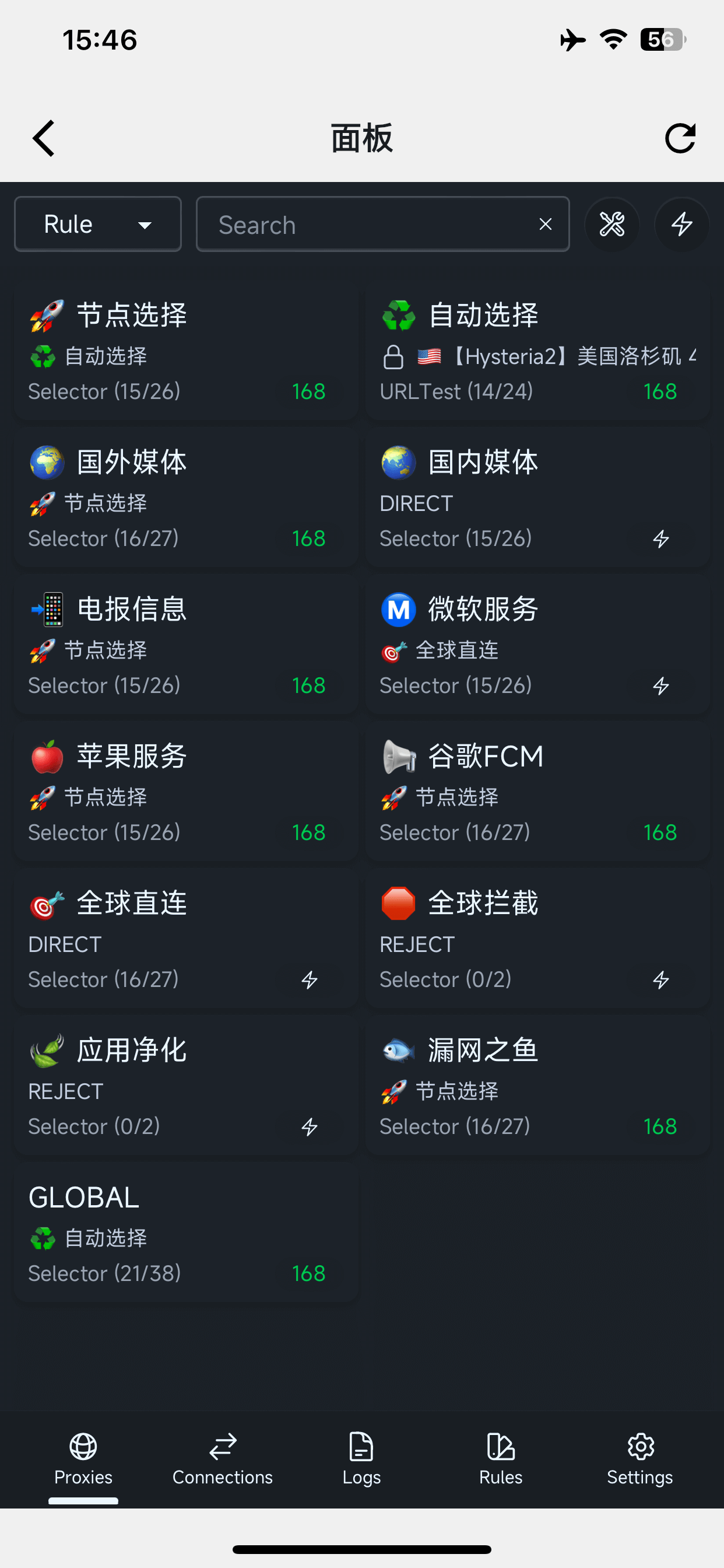
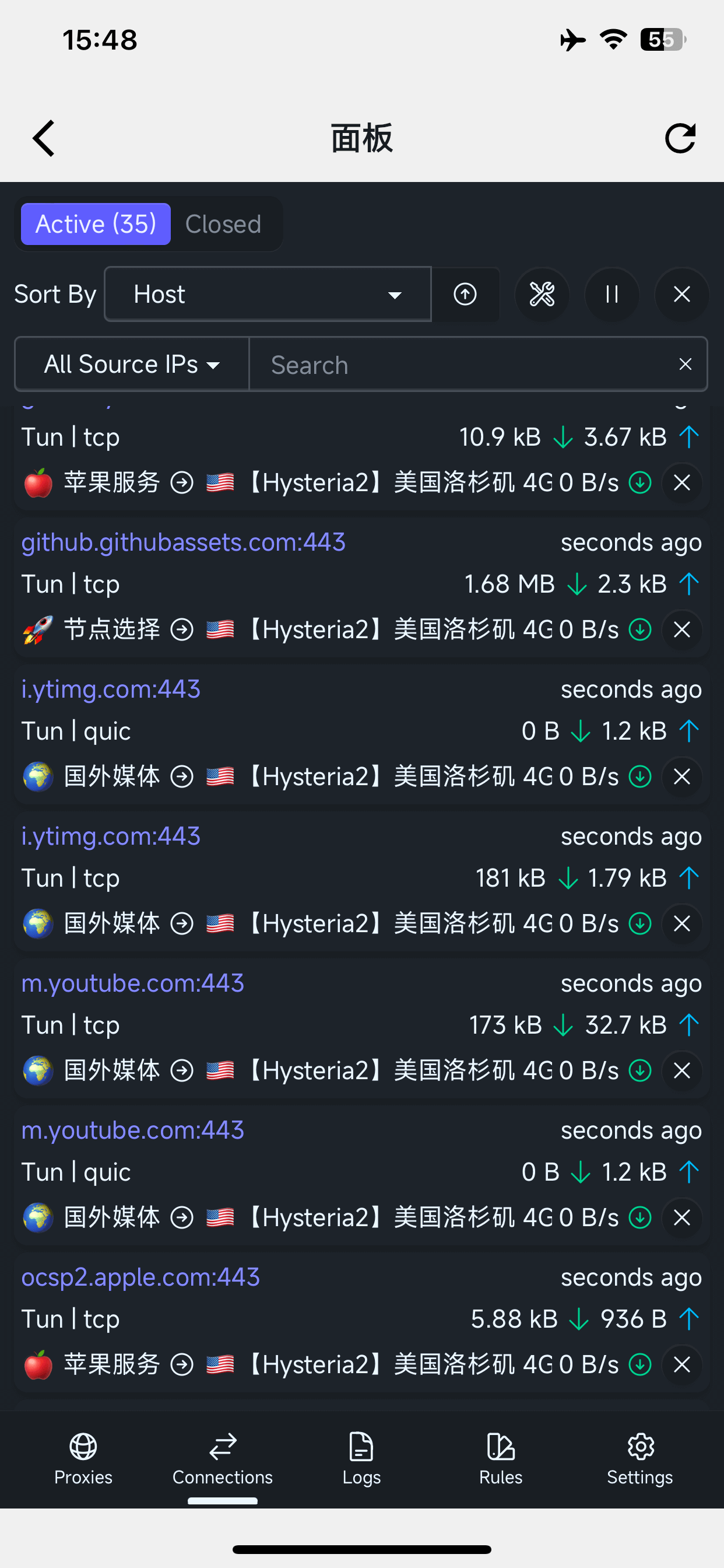
截图 ​

zashboard 界面 规则组
zashboard 界面 连接

Web Panel ​

Usage ​

  • If you prefer to manage Clash via web, use Panel in the menu directly.
  • The web panel secret can be found in "Core Settings".
  • zashboard GitHub repo

Default IP and Port ​

  • hostname: 127.0.0.1
  • port: 9090
  • secret: in "Core Settings" menu

Screenshots ​

zashboard interface rule groups
zashboard interface connections

© 2026 Clash Mi · 首页 · 文档中心 · 机场推荐