快速使用教程Quick Start Guide
快速使用Quick Start
- 选择 APP 首页菜单 → 我的配置 → 右上角 ➕ 号按钮 → 选择添加配置链接Go to APP Home → My Config → ➕ button (top right) → Add Config Link
- 返回 APP 首页,滑动打开连接按钮 ▶️ 即可开始科学上网Return to APP Home, slide to enable the connect button ▶️ and start browsing freely
流程截图Screenshots
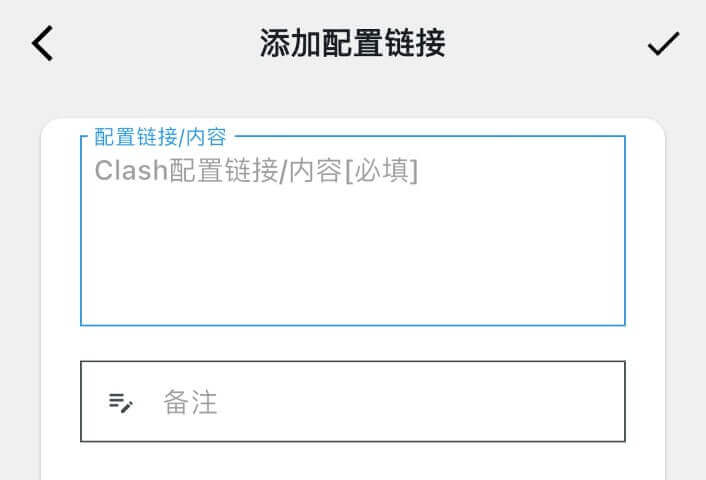
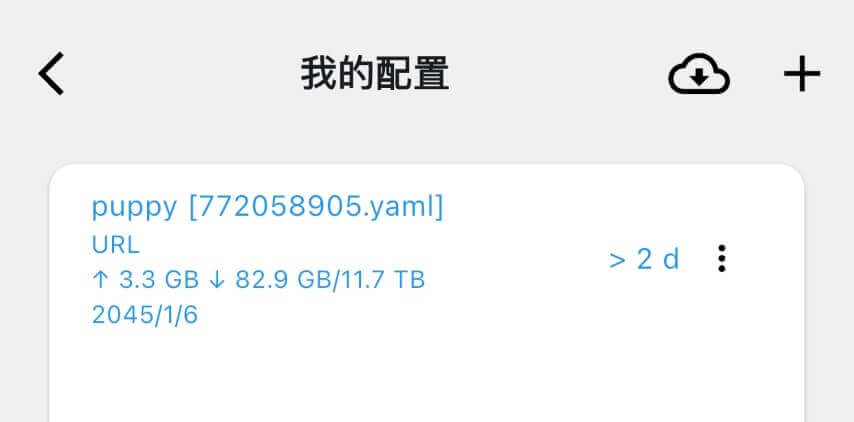
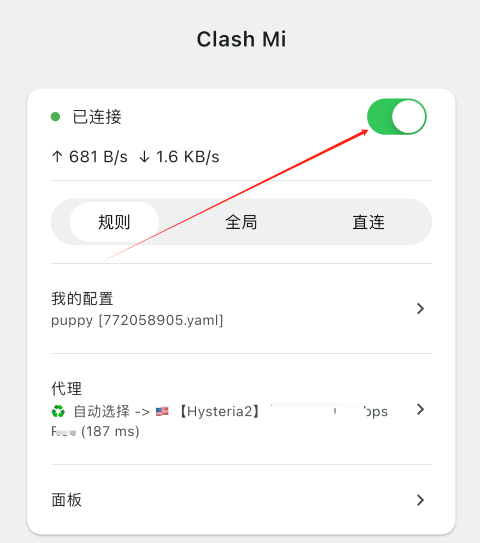
使用在线面板Using Web Panel
如果您习惯使用 Web 方式操作 Clash,可直接使用菜单中的"面板"功能。面板 Secret 可在菜单"核心设置"中找到。If you prefer web-based Clash management, use the "Panel" feature from the menu. Panel secret can be found in "Core Settings".